One fixed entry point
Every prompt opens with the same string: a vector t-shirt design illustrating… The model starts in the same place every time, so variation comes from the idea and not from the phrasing.
Generating one image is quick. Getting a few hundred of them to print cleanly, hold together as one line and go live without a day of cleanup each is a different job. This is how I solved that for my own print on demand line.
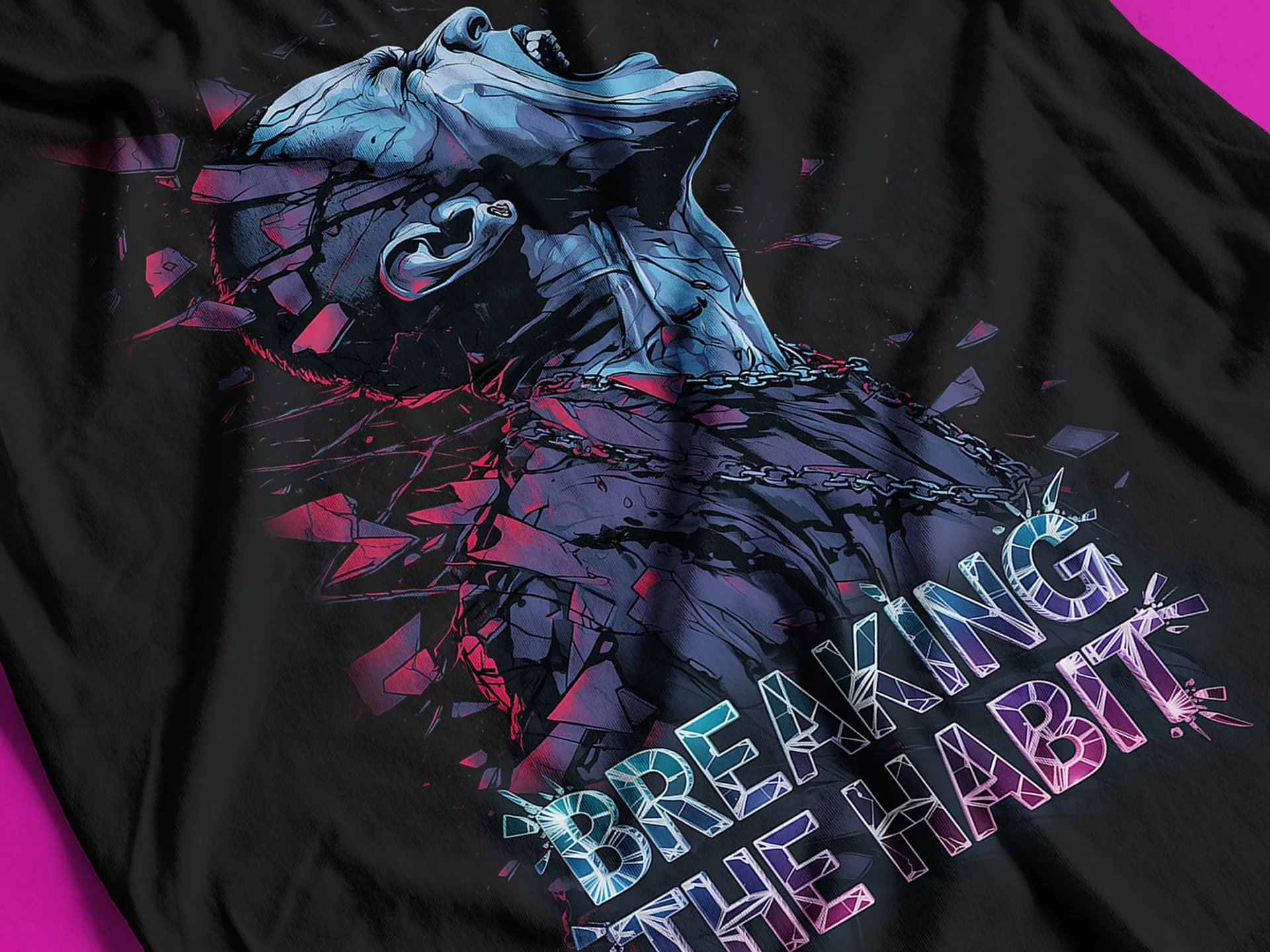
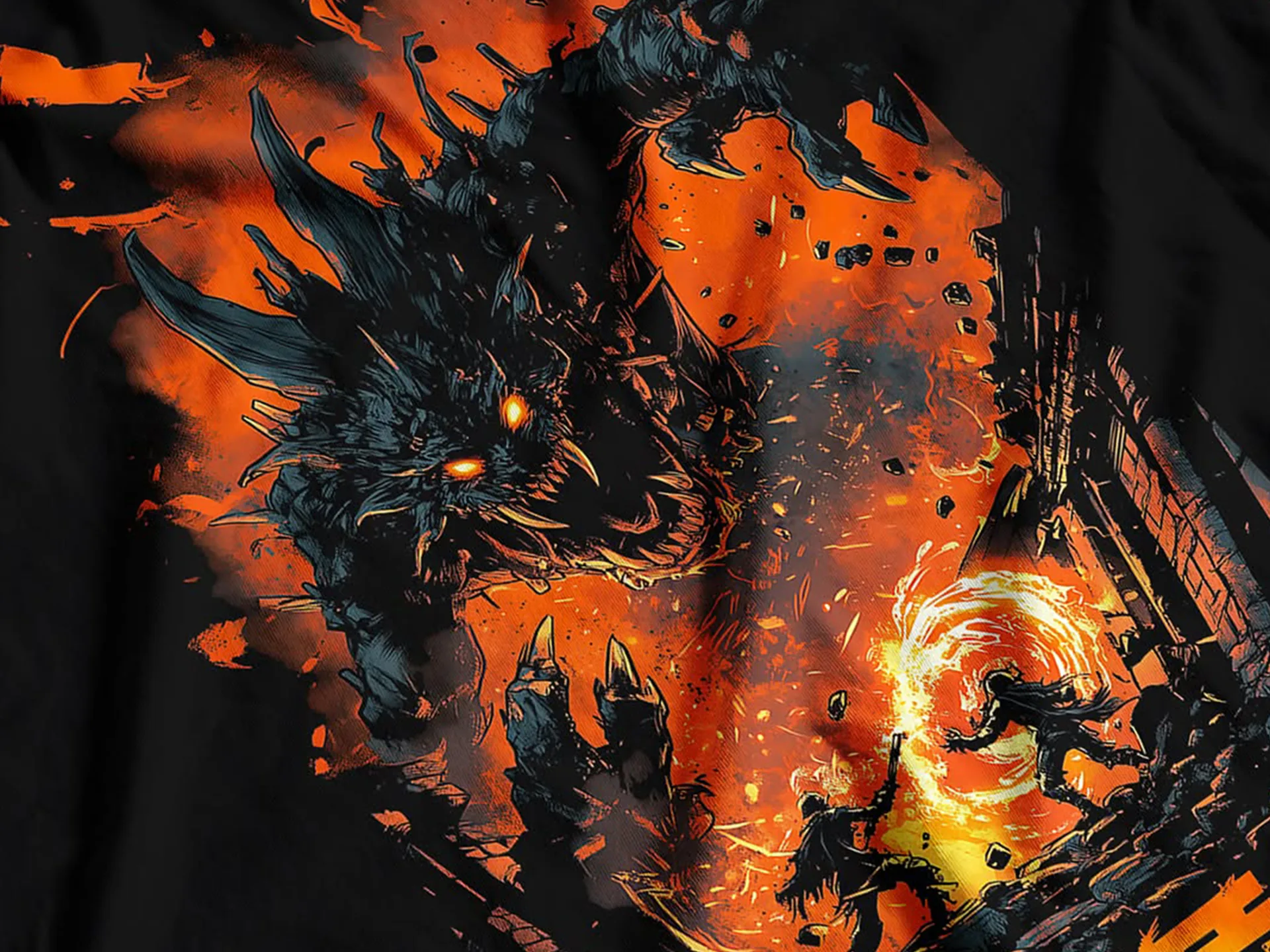
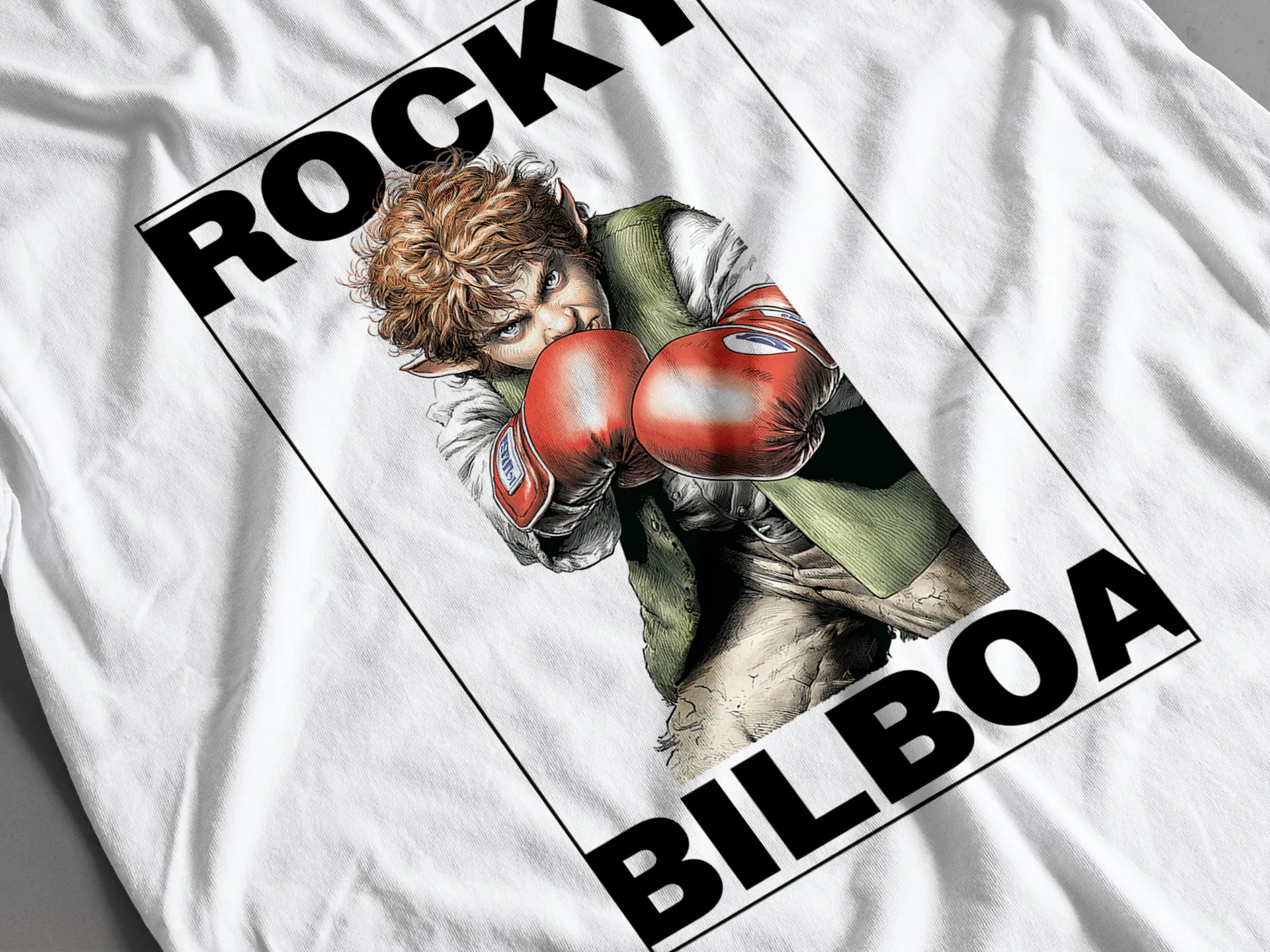
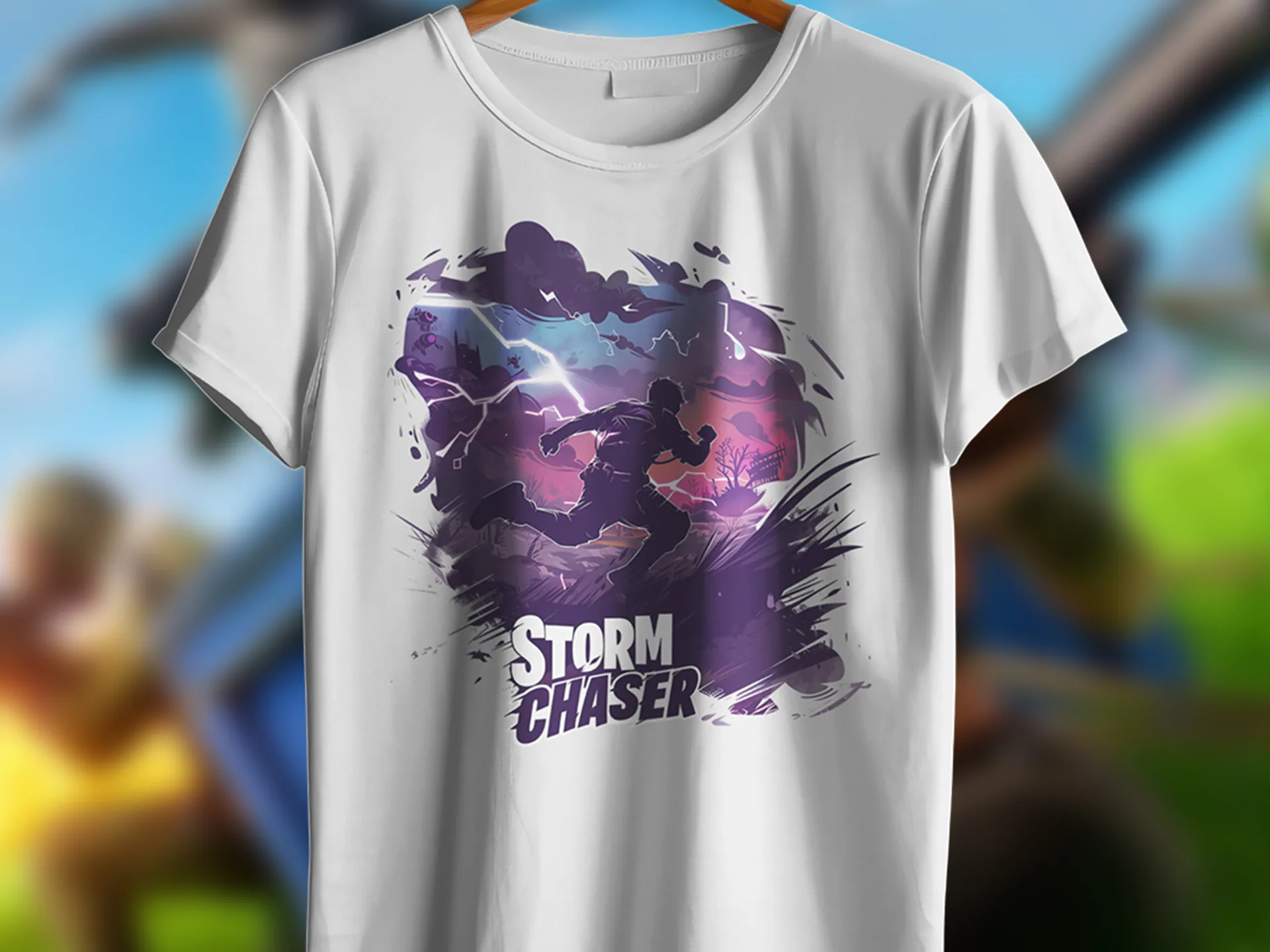
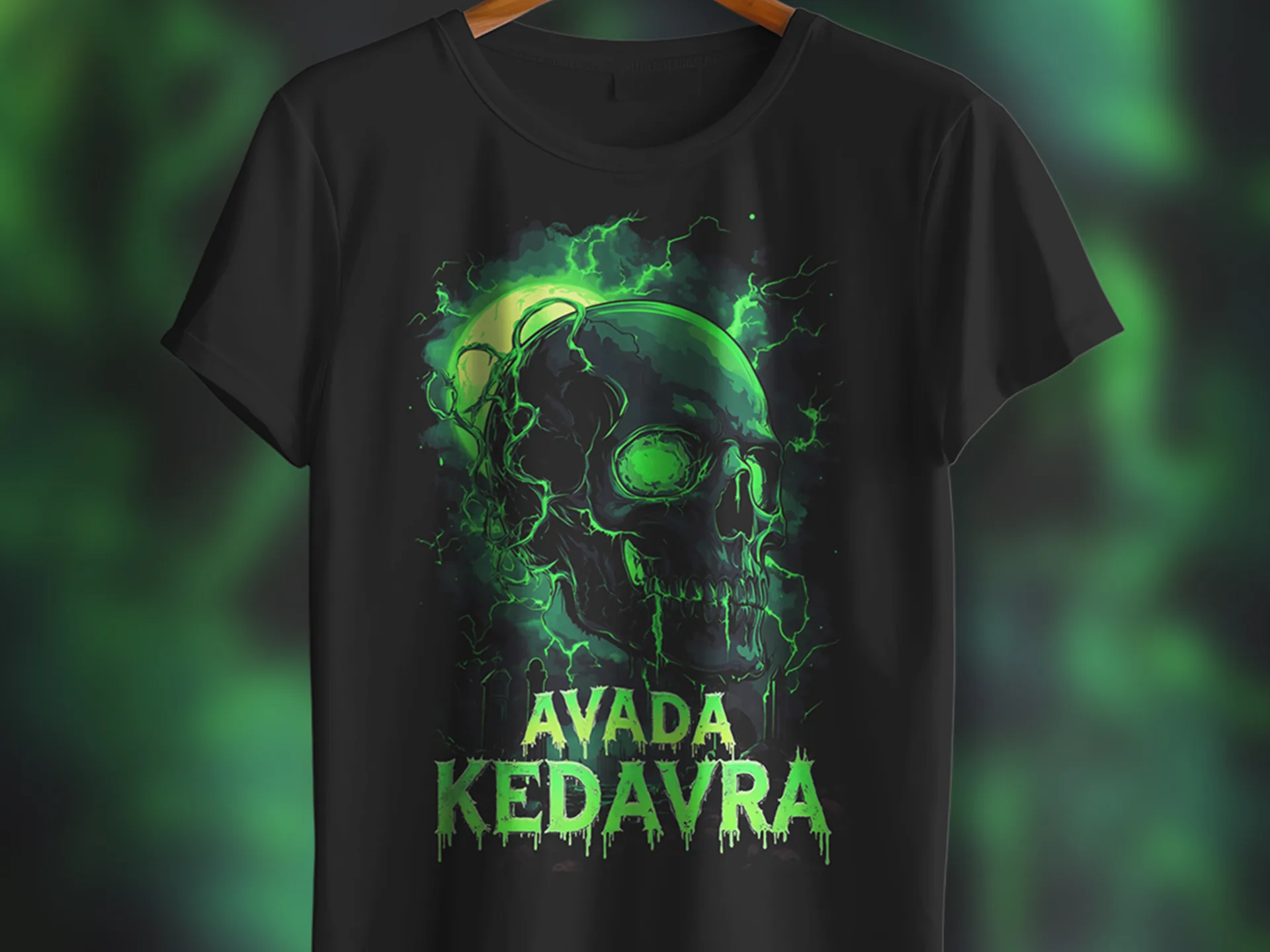
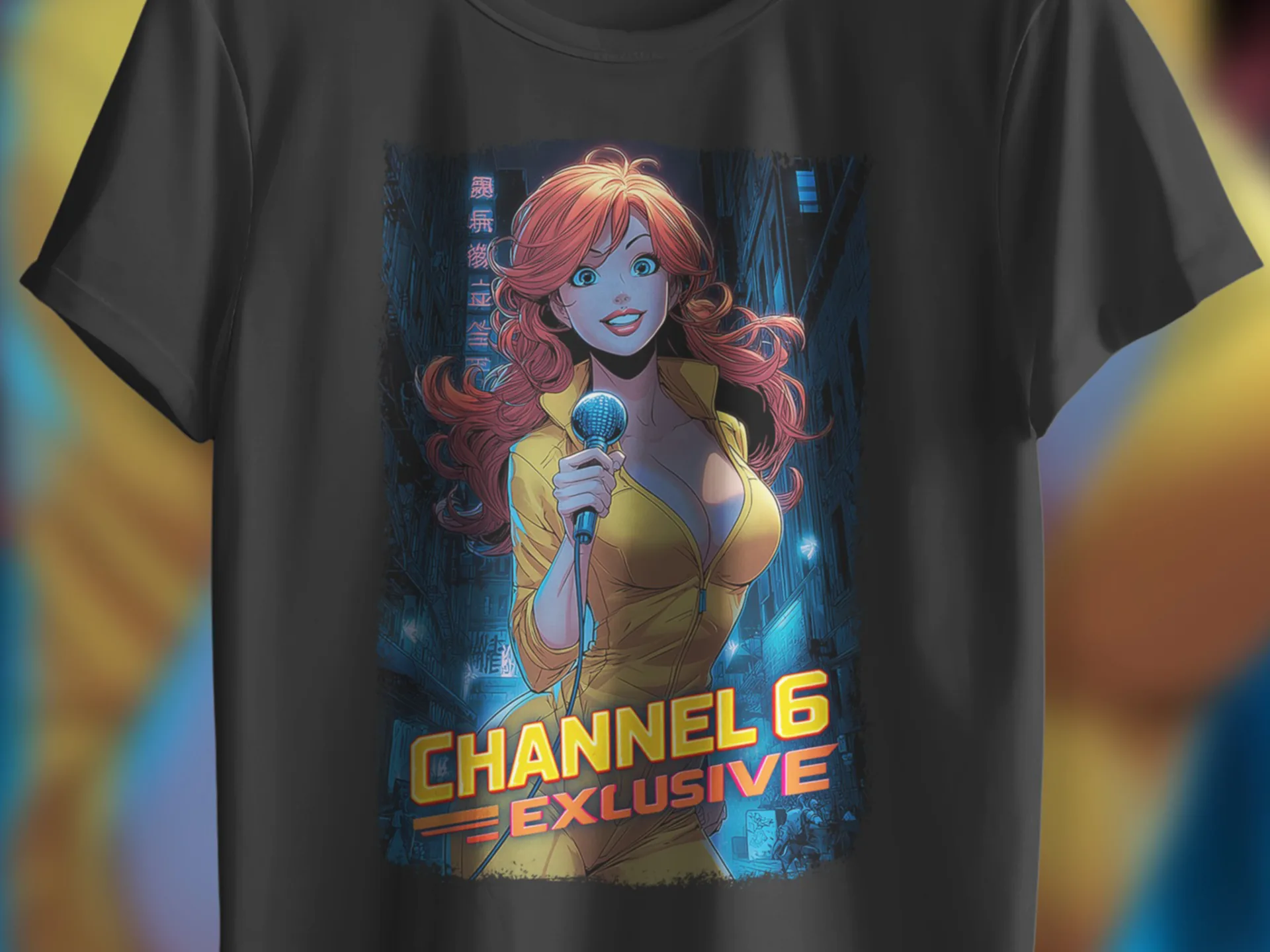
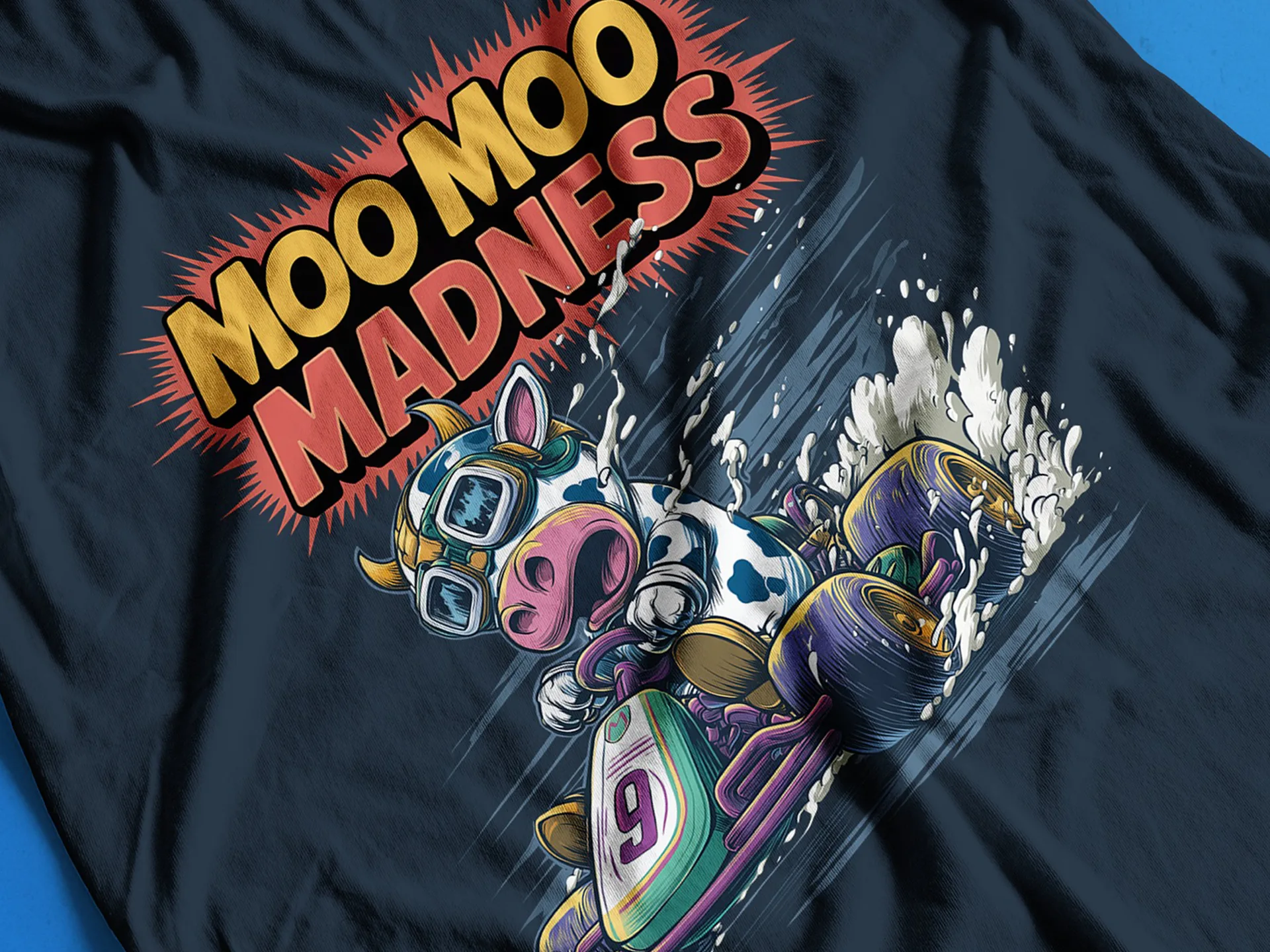
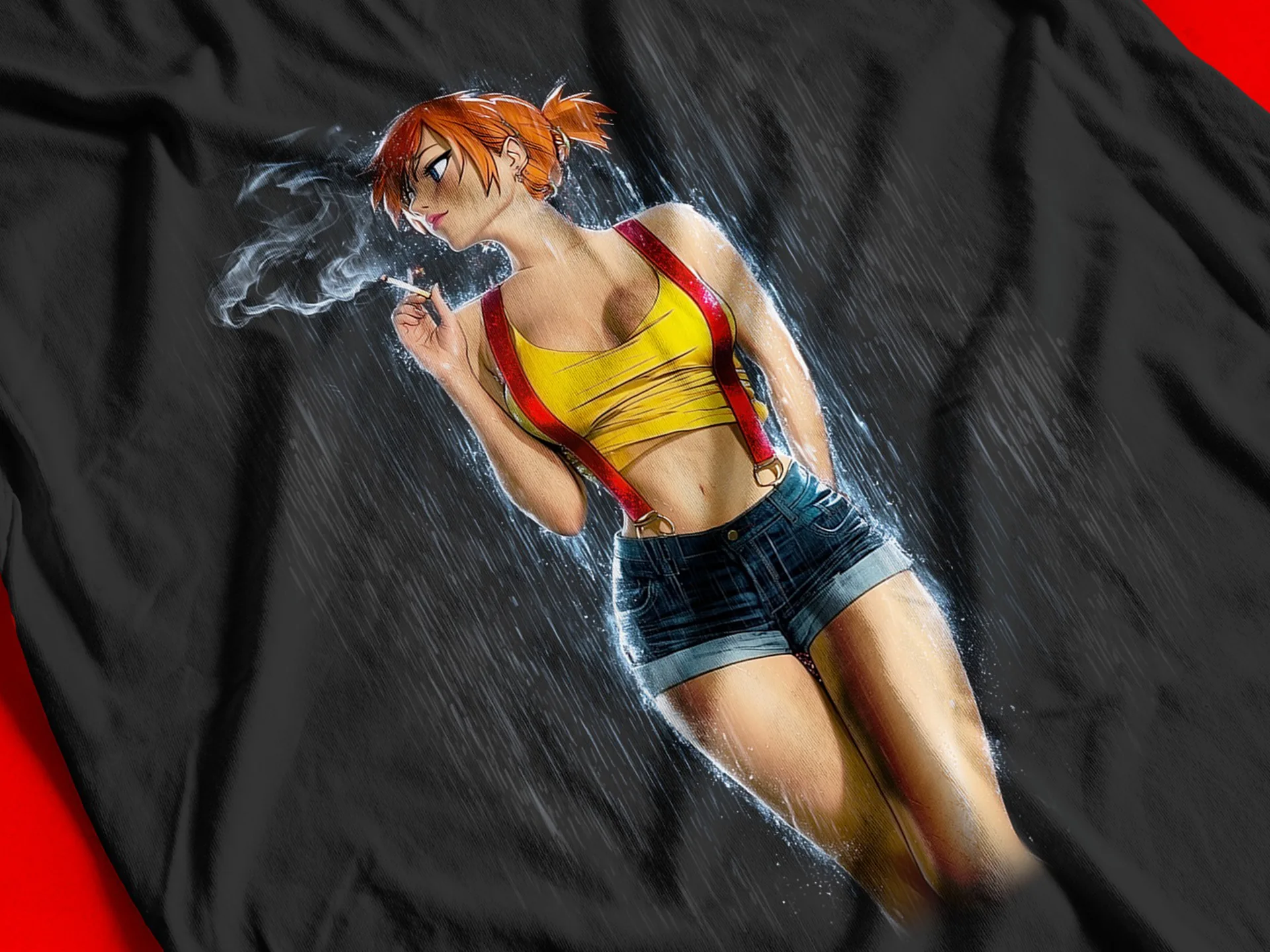
I wanted to know whether AI output could survive real print production.
Not banners with a two-day lifespan. Artwork that goes onto a physical product at full size, where a soft edge or a muddy cutout is permanent and somebody has paid for it. Screen is forgiving. Print is not, so it was the quickest way to find out whether my workflow actually held up.
A print-on-demand line made a good test bed, because it raises the question of volume at the same time. If I could not repeat the process cheaply and consistently, it was not a production method for me, however good any single image looked.
Generating the images turned out to be the quick part. The cost sat in everything after it.
Raw output arrives with backgrounds, soft edges and inconsistent framing, none of which is printable. Then every design still needs a marketplace title, a tag set and social copy before it earns a cent.
The second cost was less obvious to me at the start. My first instinct was to generate dozens of images and fish out a keeper. That got me a good one often enough, but it spent a lot of time and compute, and it taught me nothing that made the next design quicker.
My bottleneck was never generation. It was cleanup, consistency, admin, and the volume of output I threw away.
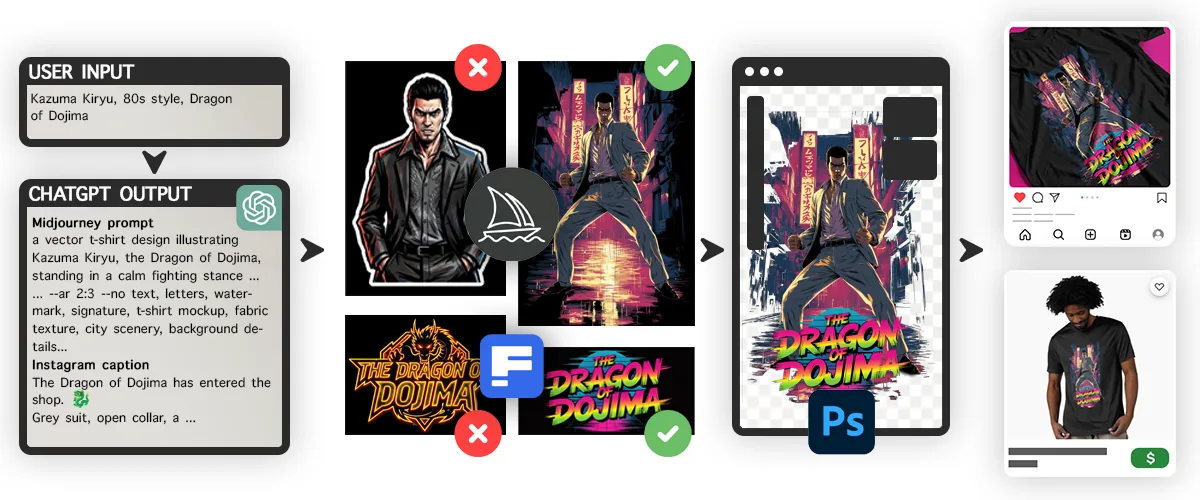
A constrained prompt layer sitting in front of the image model. A custom GPT with a fixed rule set, which I could feed something as vague as a shirt about koalas and get back a complete package: a Midjourney prompt, a companion prompt for the effects lettering, a marketplace title, a tag set, and caption copy for Instagram and Facebook.
One vague sentence in. Everything needed to publish, out.
Constraints, not preferences. Each one is there because of something that went wrong further down the line.
Every prompt opens with the same string: a vector t-shirt design illustrating… The model starts in the same place every time, so variation comes from the idea and not from the phrasing.
The system stays model-agnostic, so a Midjourney update does not invalidate a year of work.
Matched to the print area, not to a screen.
Exclusions are appended as a separate clause, never woven into the descriptive sentence, so the model cannot read a thing you are avoiding as a thing you want.
No shirt, design, illustration or graphic. Four words that feel descriptive and did nothing for me in a search index.
Fifteen maximum, each under fifty characters, deliberately obvious rather than clever. The clever ones were not what people were searching for.
Not in the caption, not in the hashtags. A commercial call for this line, enforced at system level rather than left to a tired evening.
1a vector t-shirt design illustrating 2Kazuma Kiryu, the Dragon of Dojima, standing in a calm fighting stance with his grey suit jacket slung over one shoulder and his maroon shirt open at the collar, a huge coiling dragon rising behind him like a spirit, heavy black linework, deep blue and crimson scales, bold ink shading, limited colour palette, centred composition, 3isolated on a plain white background 4--ar 2:3 5--no text, letters, watermark, signature, t-shirt mockup, fabric texture, city scenery, background details
Every prompt ends by isolating the subject on a dark or a light background, chosen per design based on the contrast of the subject itself.
That rule is not there for the image. It is there for a masking step three stages later.
Which background the subject sits on decides which colour channel gives the cleanest selection in Photoshop, and a clean selection is the difference between an edge that survives at print size and one that falls apart. A pale, glowing subject wants a dark field. A dark, heavy subject wants a light one. Get it backwards and you spend twenty minutes rescuing an edge that should have taken thirty seconds.
The rule at the very front of the pipeline exists to serve the constraint at the very back.
Every design ran two or three generations, and I picked one.
It removed the repetitive decisions so that the one that matters, is this good enough to sell, stayed mine. Two or three, not two hundred. Getting the prompt right before sending it is what keeps that number small, and that number is where the time saving actually comes from.
I also switched the assistant's own image generation off. Images came from the tool I had chosen for the job, and I did not want a weaker generator sitting there as a shortcut on a slow evening.
Instructions
You turn a rough shirt idea into a complete publishing package.

Always return, in this order:
1. Midjourney prompt
2. Lettering prompt
3. Marketplace title
4. Tags
5. Instagram caption
6. Facebook caption

Midjourney prompt
- Always start with "a vector t-shirt design illustrating".
- Dark, heavy subject: end with "isolated on a plain white background".
- Pale or glowing subject: end with "isolated on a plain black background".
- Then add --ar 2:3.
- Put all exclusions last, in one --no clause.
- Never add version flags.

Title
- Never use: shirt, design, illustration, graphic.

Tags
- 15 maximum, each under 50 characters.
- Plain, searchable terms. No wordplay.
Capabilities
Midjourney was weak at effects lettering, so type came from a second tool built specifically for it and was composited in rather than accepted as delivered. For this line, two specialised outputs worked better than one generalist one.
Then the slow part, which is where most of the real work sits.
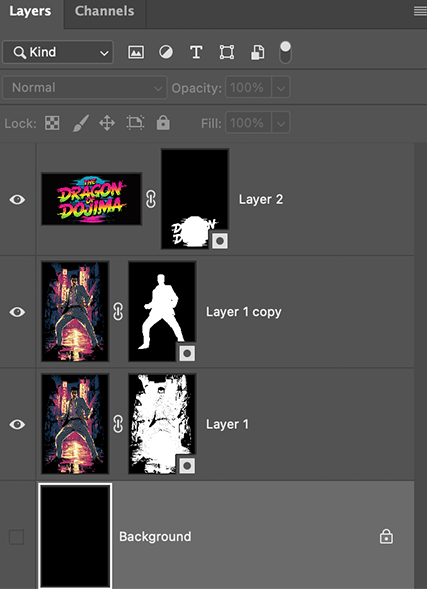
A 4000 x 6000 artboard, no separate upscaling pass. Elements are transformed up in place and Photoshop's own resampling carries it, which at this print size it does.
Each element becomes a smart object, and inside it the cutout gets built twice: a channel-based selection on one layer, an automated background removal on another, then levels on the masks to tune the edge between them. One-click removal was not clean enough on hair, fur or glow. It left a halo I could not see on screen and could not miss on fabric.
This step is the reason the prints hold up at full size.
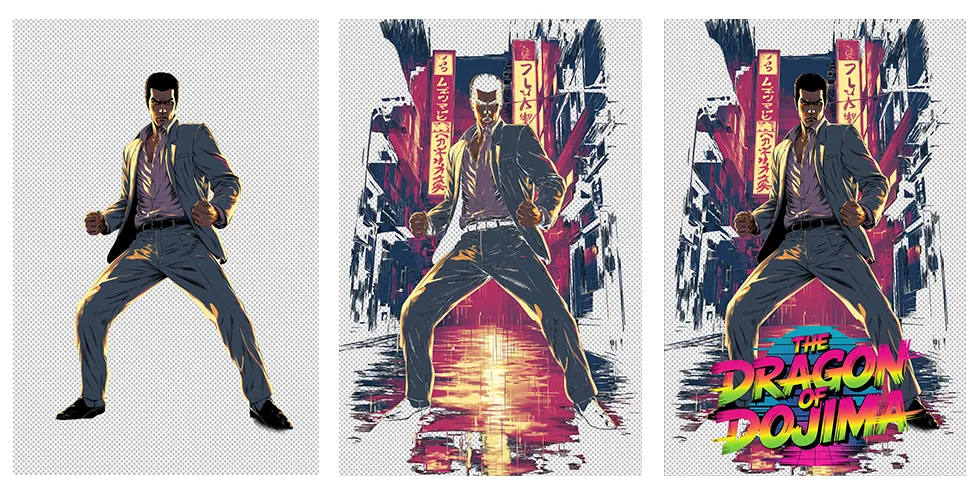
5–6
finished designs an hour, from a one-line idea to a live listing with social scheduled
Four very different ideas, each started from a single line. One production standard.
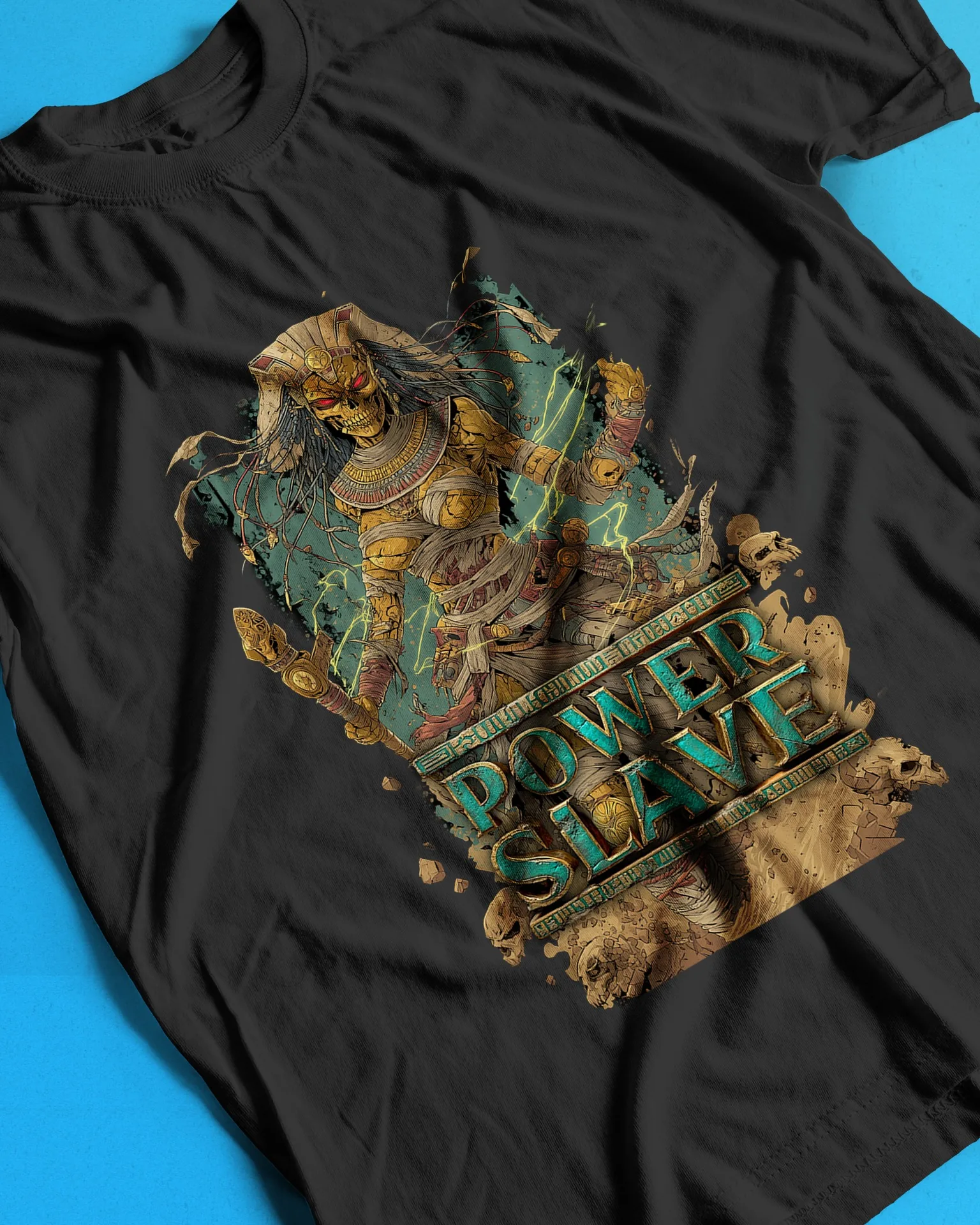
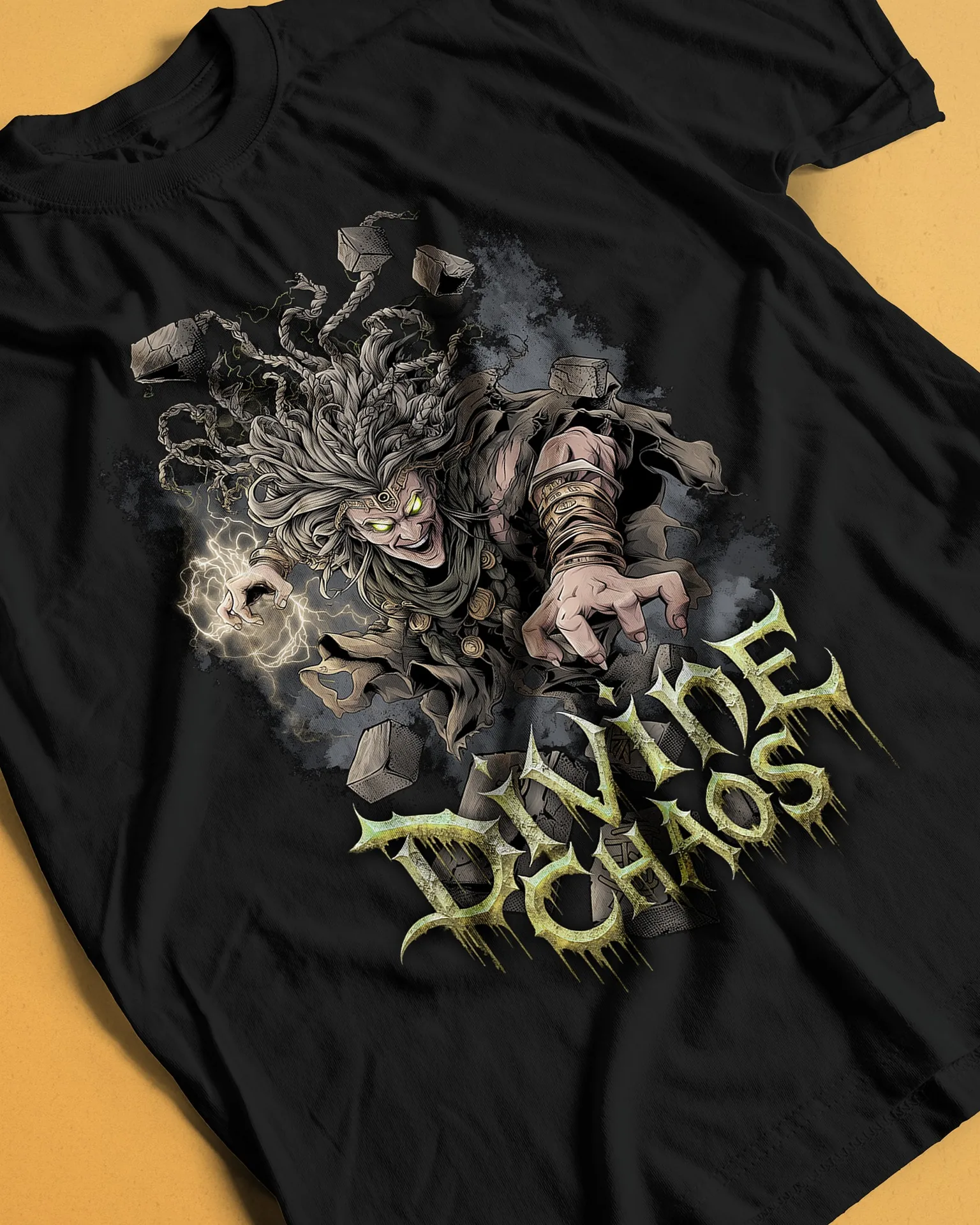
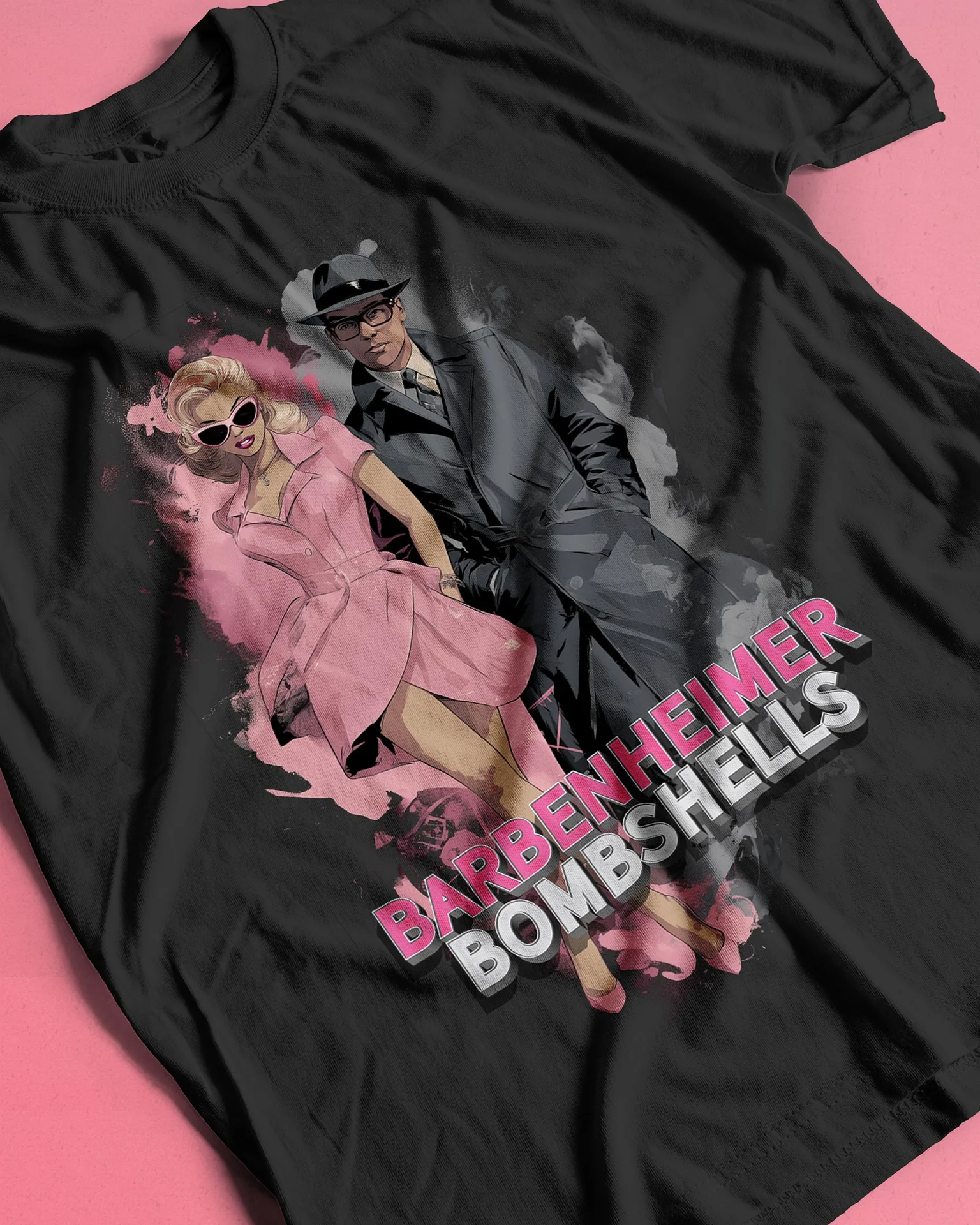
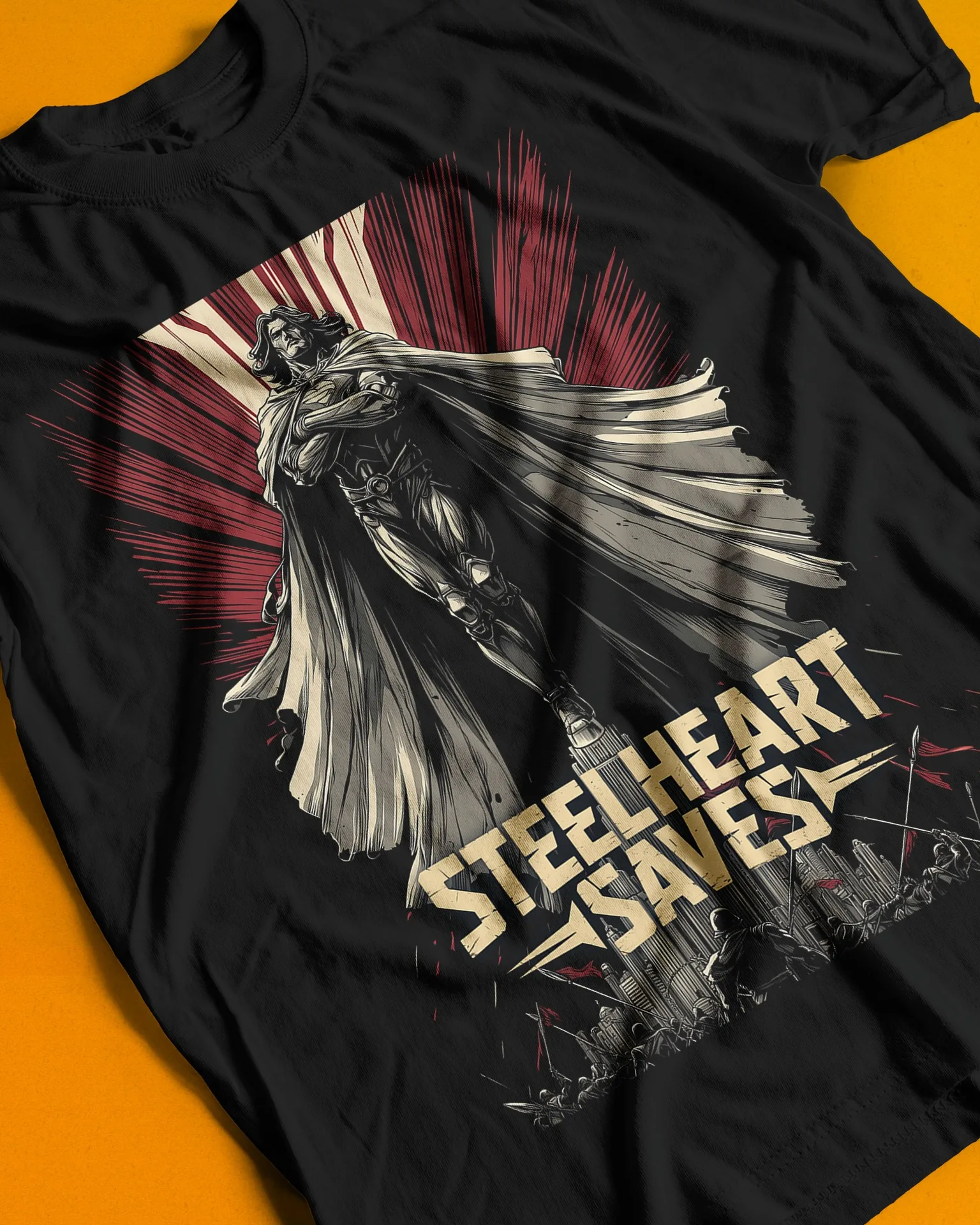
The prompt layer is a brand guideline written in a form a machine will actually obey.
Swap my banned word list for a company's tone of voice, swap my print constraints for their channel specs, and the same structure can keep a team's AI output consistent, on brand and production ready. The human still makes the call that counts.
I built this one backwards, starting from what had to be true on a printed shirt and working back to the prompt. That order is what made it hold together.
For this project, the value was not in the generating. It was in knowing what had to be true at the end, and building the system backwards from there.